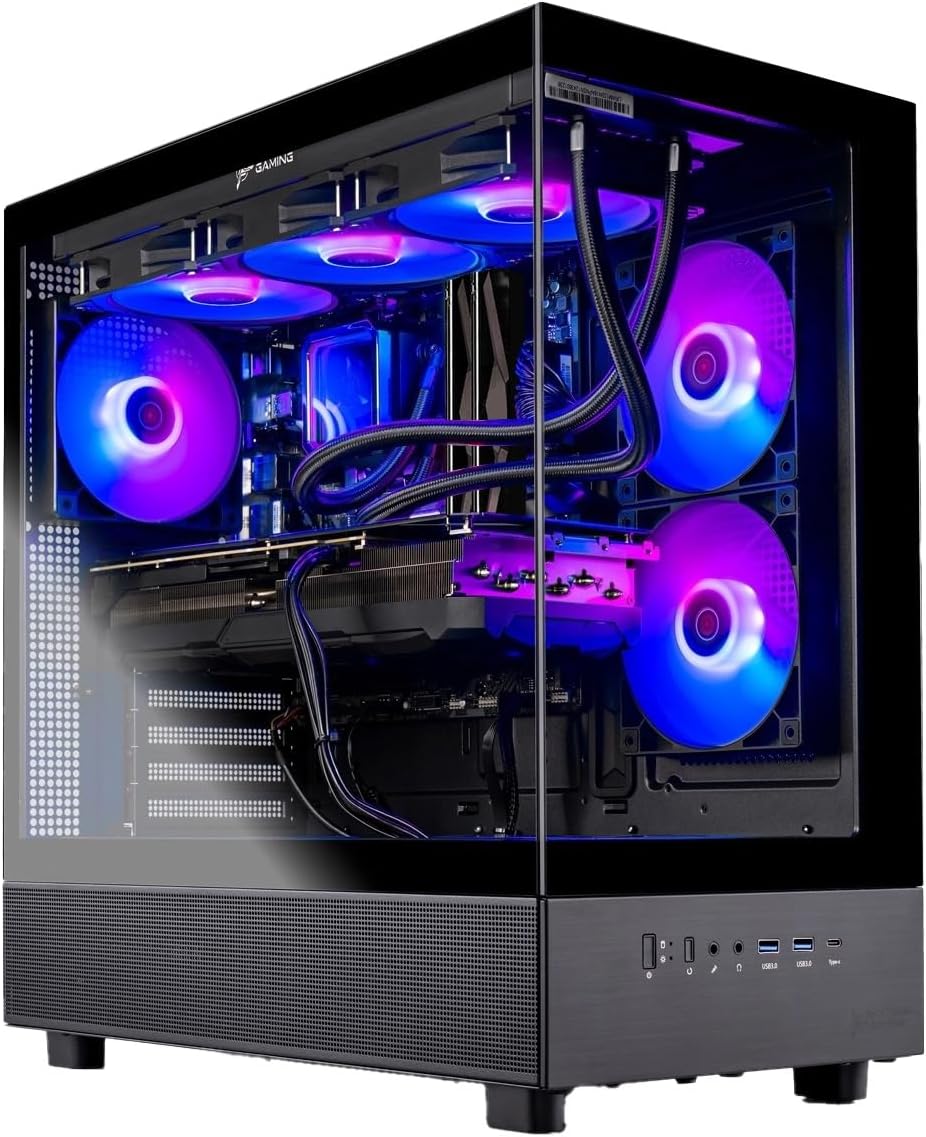
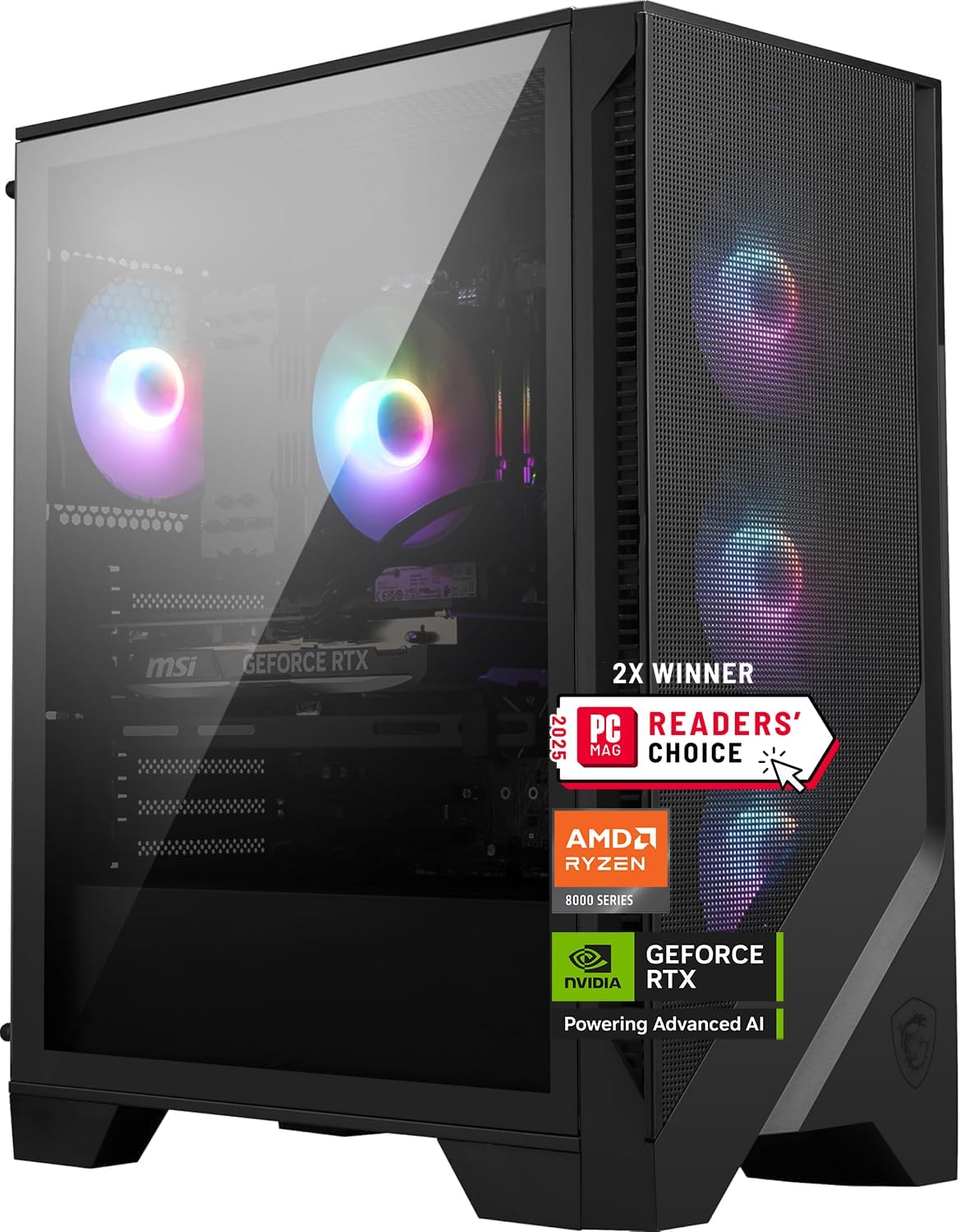
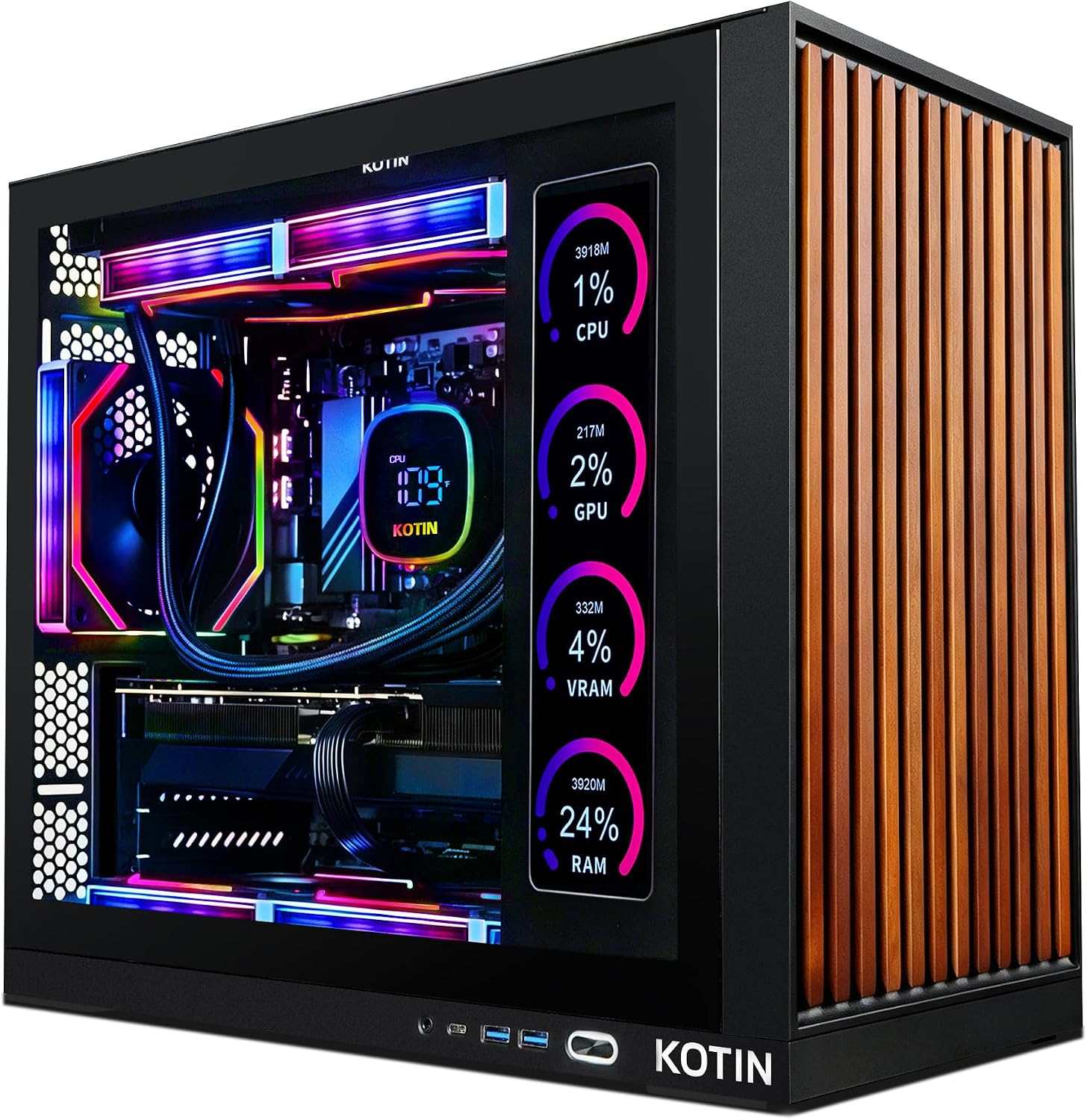
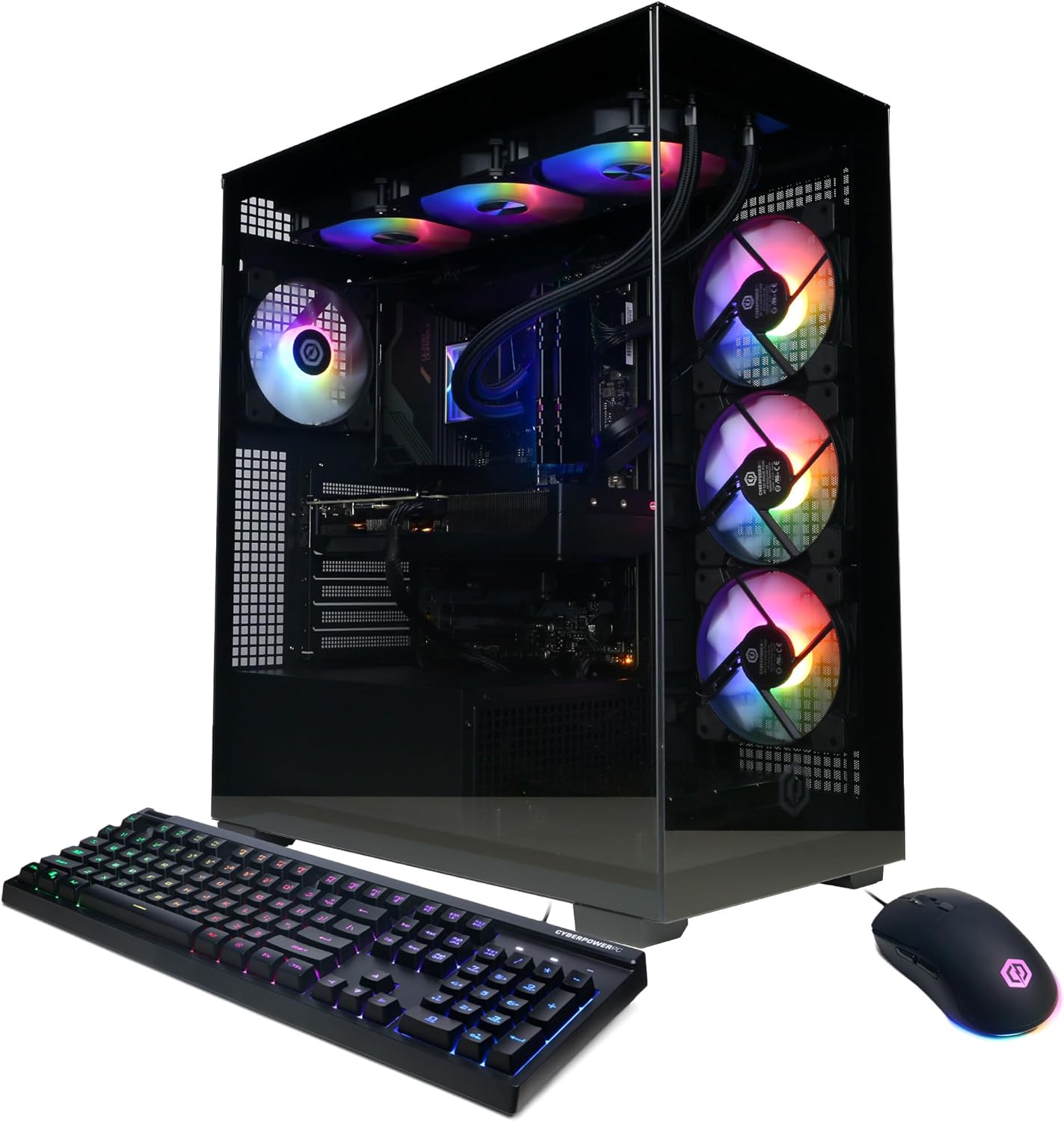
Our ranking is an editorial judgment about the listed hardware, price position and ownership trade-offs. Amazon star averages are not part of our score.
Comparison of five prebuilt gaming PCs; current offers are available on Amazon
1080p esports, 1440p high refresh and 4K need different GPU budgets. Match the PC to the monitor you use.
Look beyond the GPU
Check the exact processor, memory, cooling and power supply. A balanced configuration matters more than a headline spec.
Leave room to grow
Storage is often the easiest upgrade. Check available slots and power headroom before counting on a future component swap.
Check the exact listing
Compare the ASIN, seller, warranty and current offer. Model names can cover very different configurations.
Research, with the limits made clear
Specs are facts. A ranking is a judgment.
We compare specific listings and explain the trade-offs. These are not hands-on lab tests. Editorial scores express our assessment; marketplace star averages remain separate. We do not publish precise FPS predictions without traceable benchmark evidence.
The questions worth asking before choosing a prebuilt gaming PC.
What is the best prebuilt gaming PC in 2026?
Our current top pick is the Skytech Azure 3 configuration with Ryzen 7 9850X3D and Radeon RX 9070 XT 16GB. It leads this group on gaming-focused CPU design, VRAM headroom, cooling and power-supply overhead. Buyers who need CUDA, stronger ray tracing or NVIDIA's creator stack should choose the MSI Codex Z2 instead.
Is it cheaper to build your own gaming PC or buy a prebuilt?
A self-build can still be cheaper when parts are discounted, but large system integrators often narrow the gap through bulk pricing. Compare the exact CPU, GPU, memory, SSD, cooler and power supply—not only the headline GPU—and assign value to assembly, Windows and a single-system warranty.
How much should I spend on a prebuilt gaming PC?
Around $700–$900 targets 1080p esports. Roughly $1,700–$2,000 is the useful 1440p tier. Above $2,000, demand a faster GPU, at least 32GB of memory, stronger cooling and enough power-supply headroom for a later upgrade.
How much VRAM do I need for 1440p gaming?
12GB is a practical baseline for current 1440p gaming; 16GB offers more breathing room for ultra textures, mods and future releases. VRAM needs vary by game and settings, so it should be weighed alongside total GPU performance.
Is 32GB of RAM necessary for gaming?
It is not mandatory for most games, but it is the sensible target for a new midrange or high-end PC. It gives the system room for a game, voice chat, browser tabs, recording tools and background apps without aggressive swapping.
Do these prebuilt gaming PCs include a keyboard and mouse?
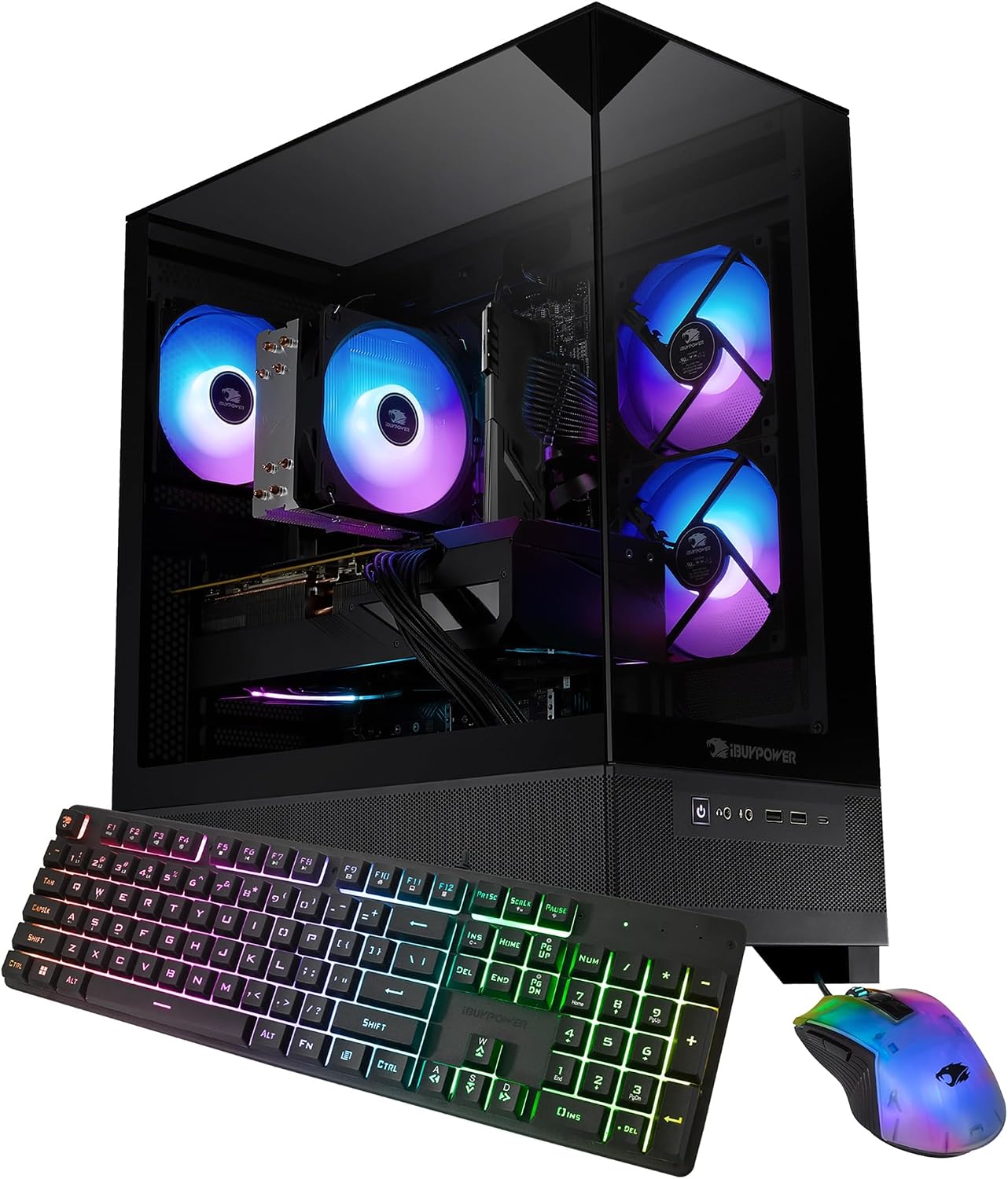
Amazon lists a keyboard and mouse with the Skytech Azure 3, MSI Codex Z2, CyberPowerPC Gamer Xtreme VR and iBUYPOWER Element SE configurations reviewed here. No monitor is included. Contents can change, so verify the current listing before checkout.
Are AMD or NVIDIA graphics cards better in a prebuilt?
NVIDIA is the safer choice for DLSS, ray tracing, NVENC and CUDA-based creator tools. AMD often offers more VRAM for the money. Choose around the games and applications you actually use rather than the logo.